
PLAYTECH CASE-STUDY
By: Gabriel Gianordoli, Julie Huynh, Udit Mahajan and Shakti Mutchina Bhanuprasad
OVERVIEW
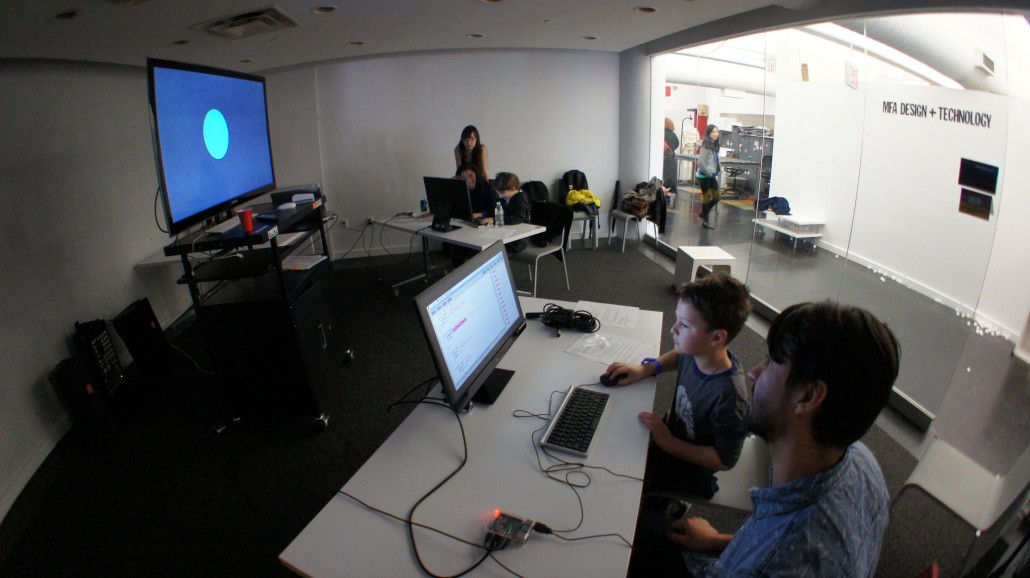
PlayTech Saturday is a yearly event at Parsons School of Design, Design & Technology program. Designers/makers present their games or projects in a science fair-like setting to engage visiting youth ages 6 – 16 years old coming from the local New York City schools and other youth organizations around town.
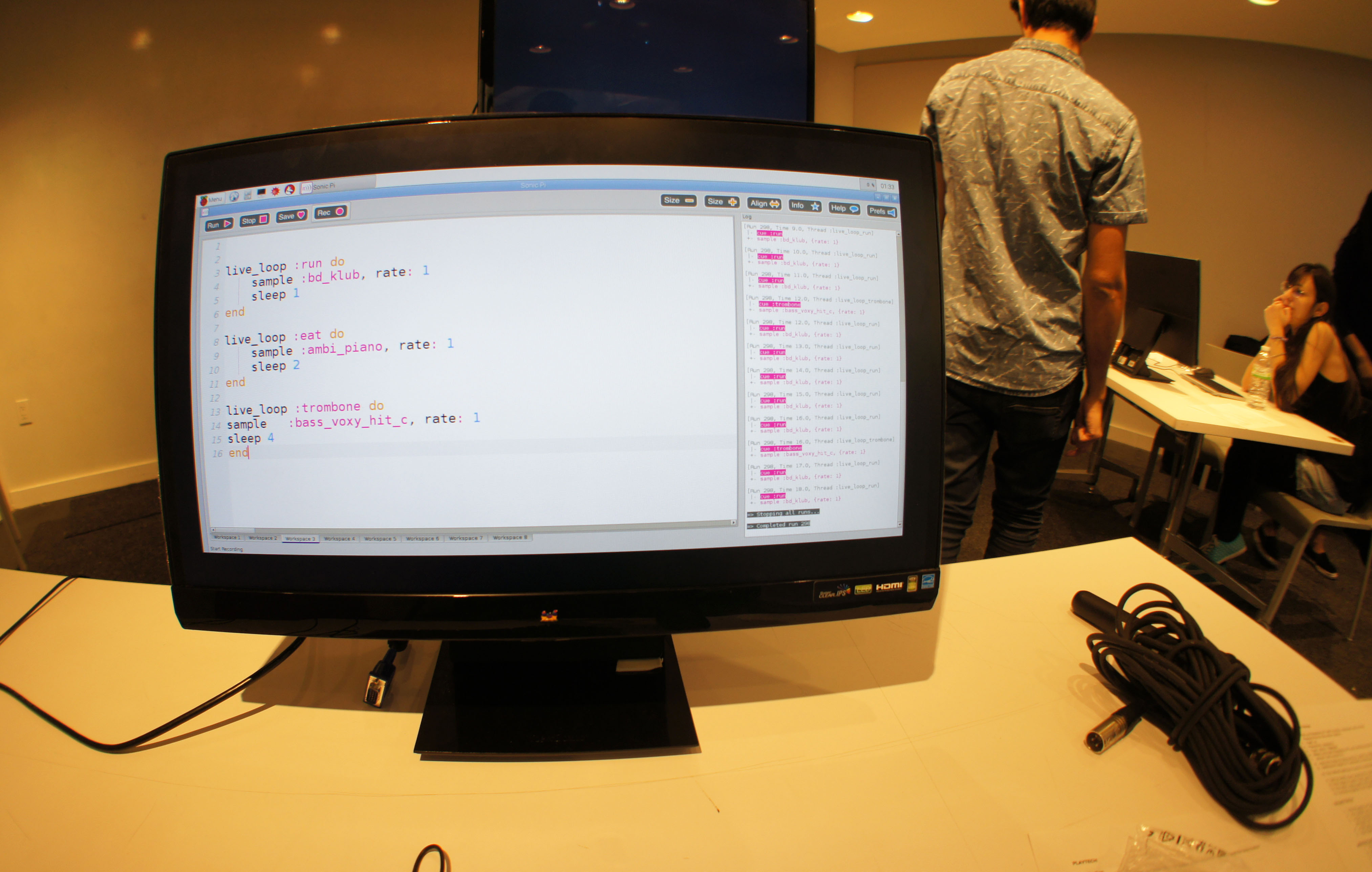
The TripleC crew saw this as an opportunity to work with the visiting youth and gauge their interest and interactions with Sonic Pi. Playtech participants spend between 5-15 minutes per project at the event. Thus, the lessons created for Playtech had structured presets for notes, samples, and synth that allowed for shorter engagement but enough to provide insights on youth interest. During Playtech, users were taught how to alter pre-existing code structure (not code from scratch), experiment and just have fun with it.
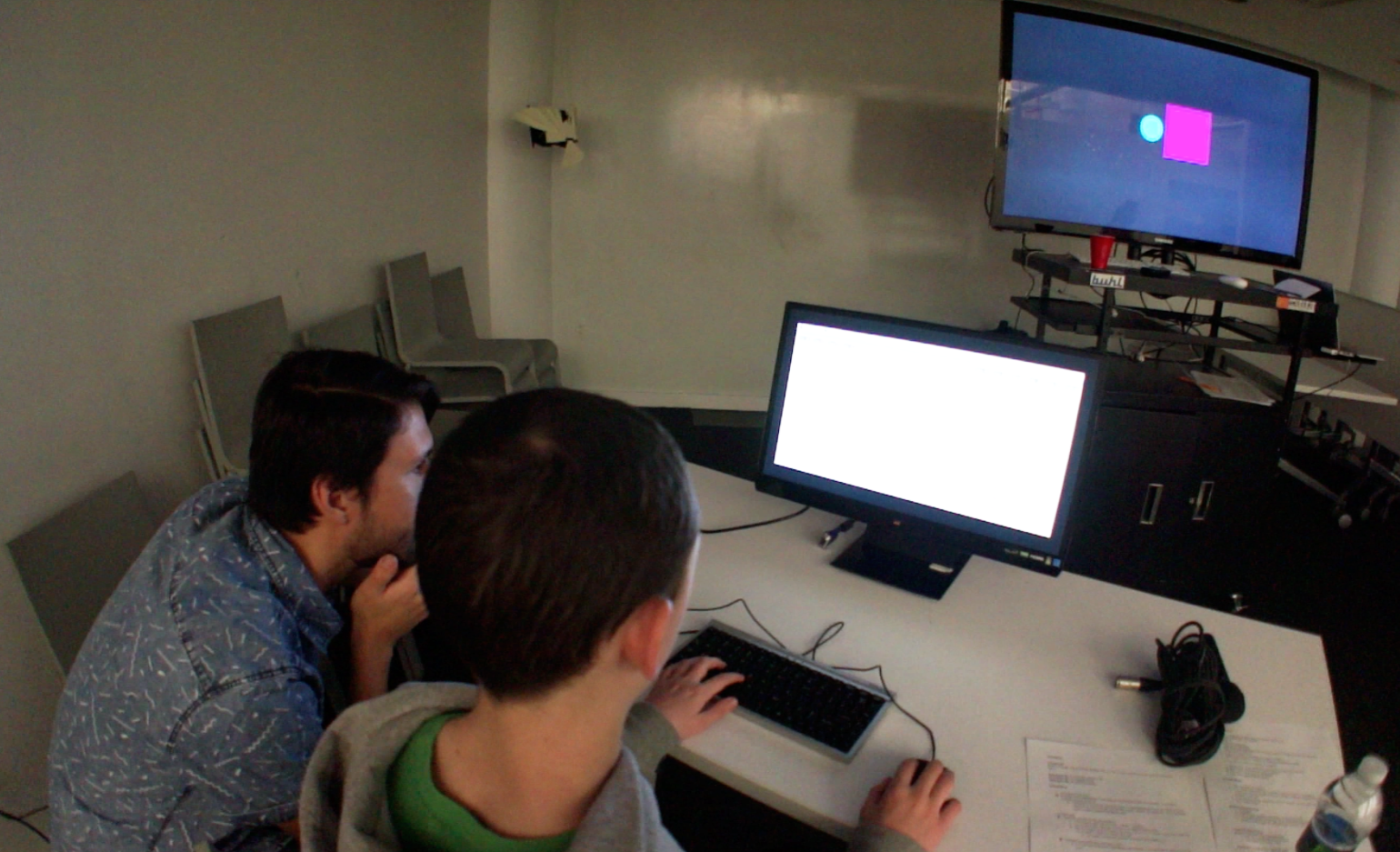
A visualization of the audio feed from the two Raspberry Pi’s were incorporated, sending audio volume data and mapped that feed to the size of a square for station one and a circle for station two. Each user can see an image of their sound growing or shrinking based on the audio they are playing in Sonic Pi.
The objective of the visualization was to encourage interaction between each user at each station and to flash the screen when both user’s audio volume data matched at the same time. A counter was added, so users could try to match the volume of their beats. The user’s objective in the visualizations was to match the volume of as many beats as possible so that each pair could leave with their high score.
CHALLENGES
We were initially worried about sound interference between the two stations which turned out to not be a significant issue. But we had a technical issue with feedback noise because we had to turn the volume up too high since the output volume from the Raspberry Pi’s was too low.
The user’s time in a science fair-like scene was another concern, so we aimed it to be no more than 5 -10 minutes of engagement since users were there to check out as many projects.
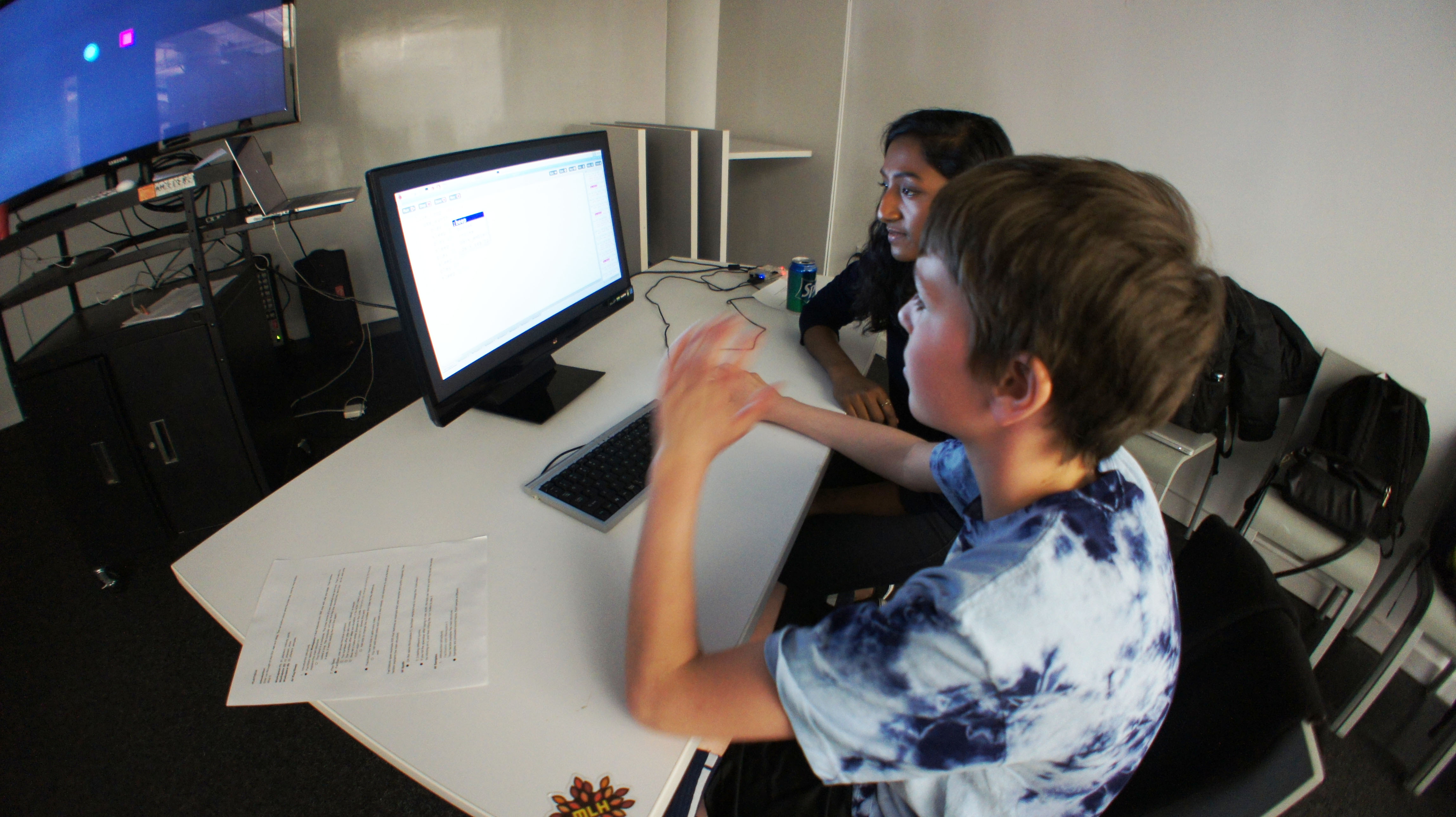
We were also worried about the range of coding skills in the kids testing. We have observed that the younger participants were less afraid of changing the code than their older counterparts. And it was the older generation that were more excited with the samples than the notes.
PLAYTECH SCENARIO IMPLEMENTATION AND RESULTS
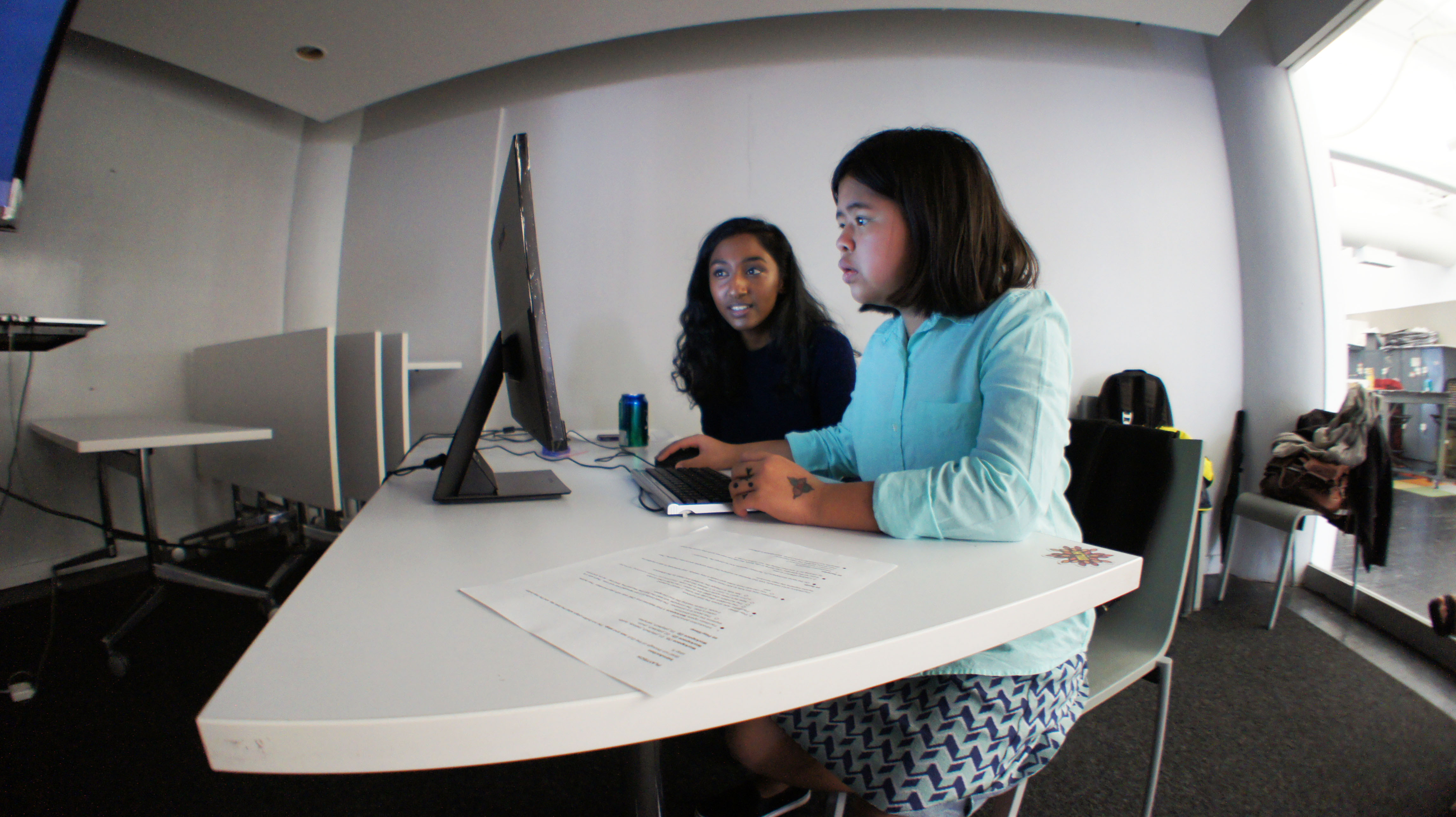
Overall, our Playtech scenario/implementation was successful in communicating the code structure by using code presets for notes, samples and synth. We were able to address the problem of users being able to work on our stations without spending too much time with the standing workstations setup. Although younger students were more comfortable altering the code, we might need to work on designing a space for older users to be more comfortable with modifying the code.
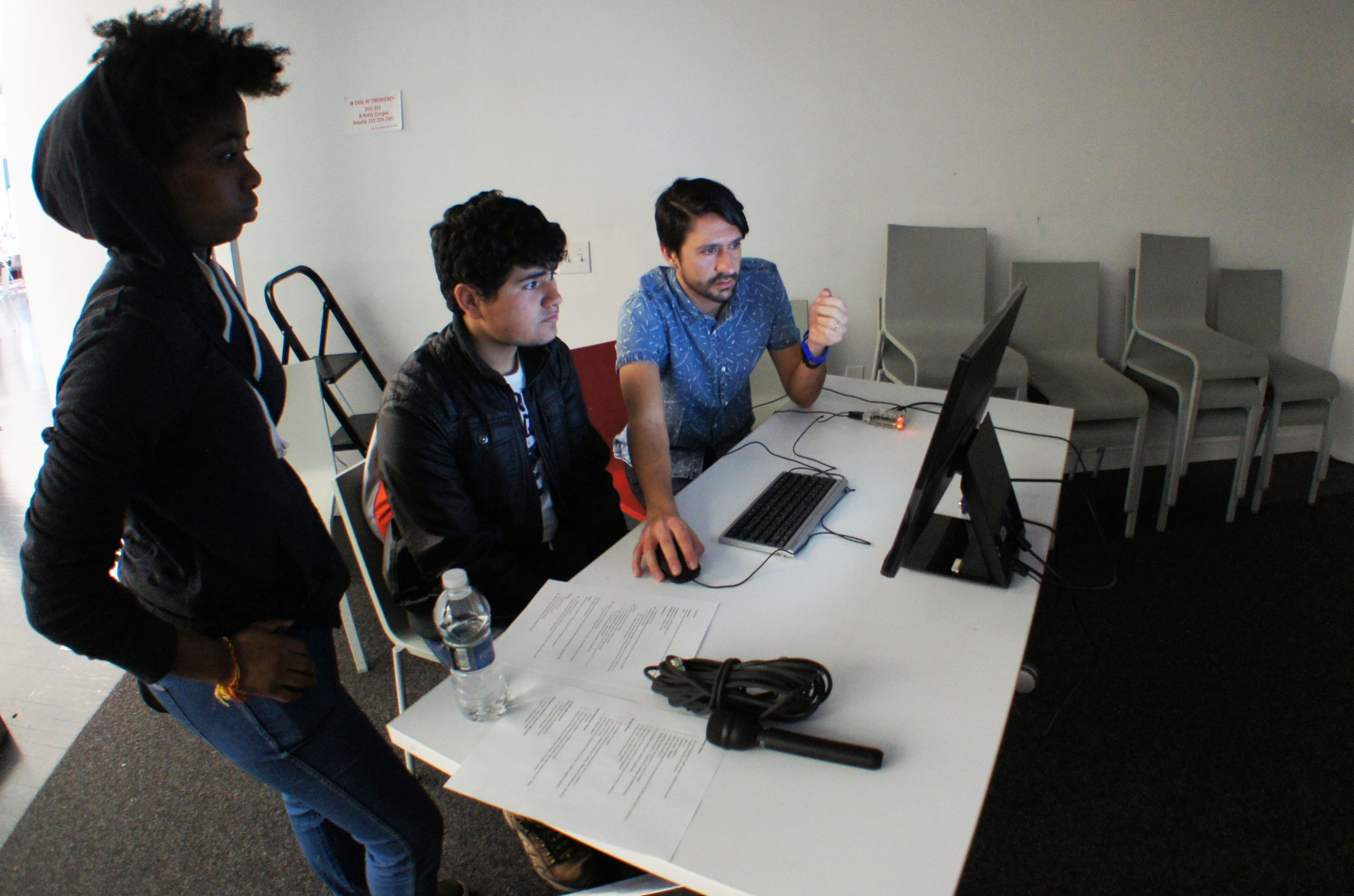
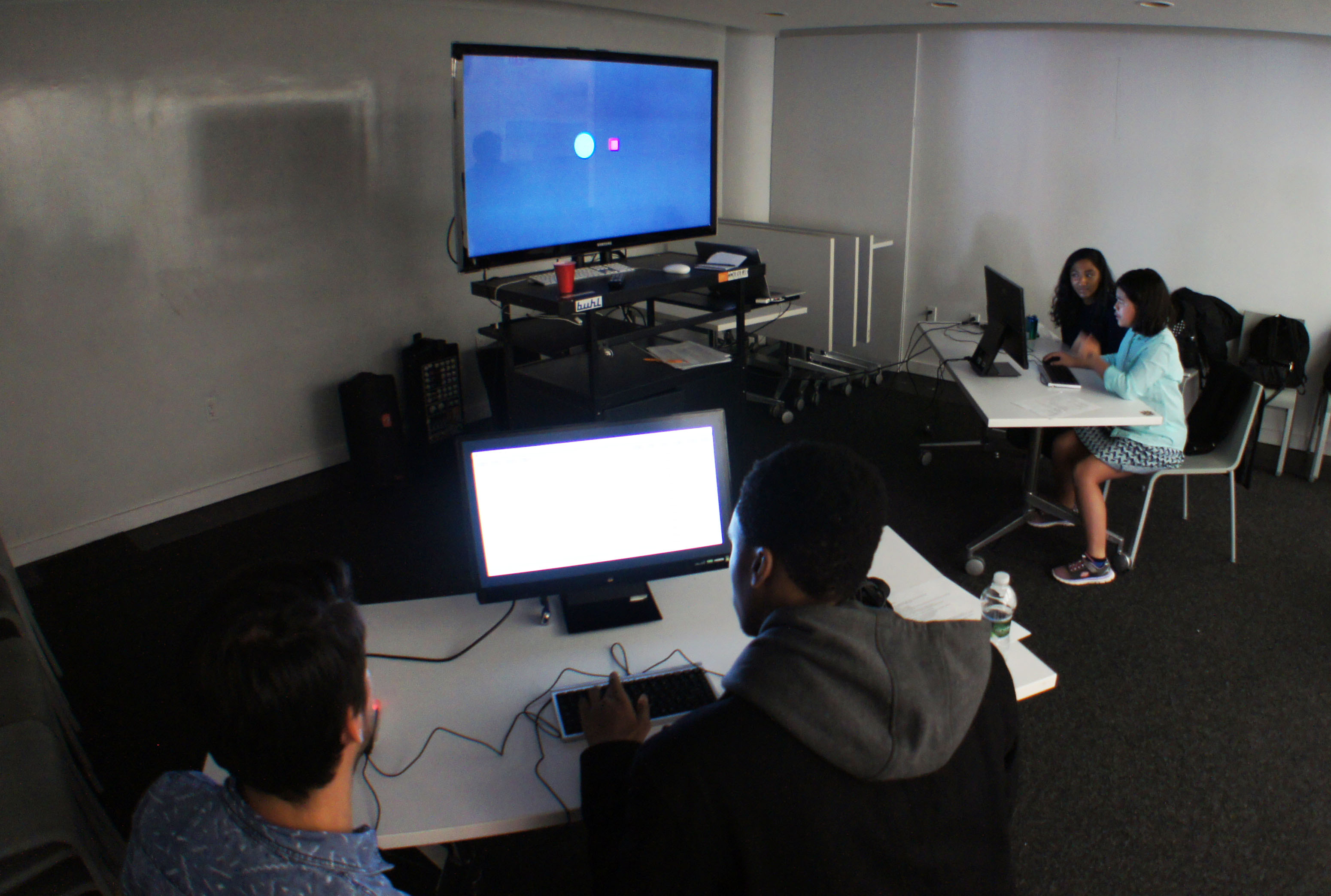
Students who knew each other were interacting more even if they were on different stations. A possible next step is to try to have pairs of students working together in various stations, but they’ll be paired or grouped with people they already know. It may aid in creating a comfortable space for students to code together. Another student who came to Playtech had a music background and played an instrument, so that created another type of engagement through special interests.
In conclusion, we were successful in communicating the code structure to students but weren’t as effective in encouraging interaction between the participants. It is partly because the visualizations were not incorporated well into the lesson plan employed at Playtech. A note for future prototype/usability tests, create a lesson plan integrating visualizations to work with one another on a structural level. It can potentially build a cohesive and lend to a more natural way for users to interact with each other. However, the range of coding skills and music interest were also contributing factors to the disconnect during the Playtech event.


